

Scope of this page. This page covers how metric results translate into evaluation success or failure — pass/fail thresholds, AND/OR rules across multiple metrics, and which metrics affect call success. For building individual metric definitions, see Building High-Fidelity Metrics. For the data shape each metric type returns (Boolean, Rating, Numeric, Enum), see Output Types of Metric.
What is Rubric Configuration?
Rubric Configuration allows you to define exactly when an evaluation should be marked as successful or failed. Instead of using default logic, you can create custom rules based on multiple metrics, set specific thresholds, and combine conditions with AND/OR logic.Why Use Rubric Configuration?
- Define success criteria tailored to your use case
- Combine multiple metrics to determine overall success
- Set specific thresholds for different metric types
- Automatically pass/fail evaluations based on your rules
Which Metrics Affect Call Success
A metric affects evaluation success only when it has an active rule in the Rubric. Adding a rule for a metric makes it part of the pass/fail outcome: if the metric’s score does not meet the configured threshold, the evaluation is marked as a failure. Metrics without a Rubric rule are still evaluated and their scores are visible in results, but they do not affect whether the evaluation passes or fails. To make a metric affect call success, navigate to the Rubric and add a rule for that metric with an appropriate operator and threshold value (see Configuring Your Rubric below).Navigation
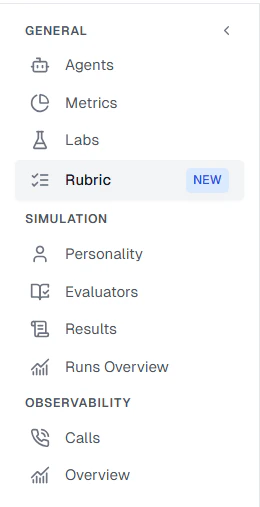
To configure a rubric for your project:- Click on the Rubric tab
Configuring Your Rubric
The rubric configuration page allows you to define rules for each metric in your project.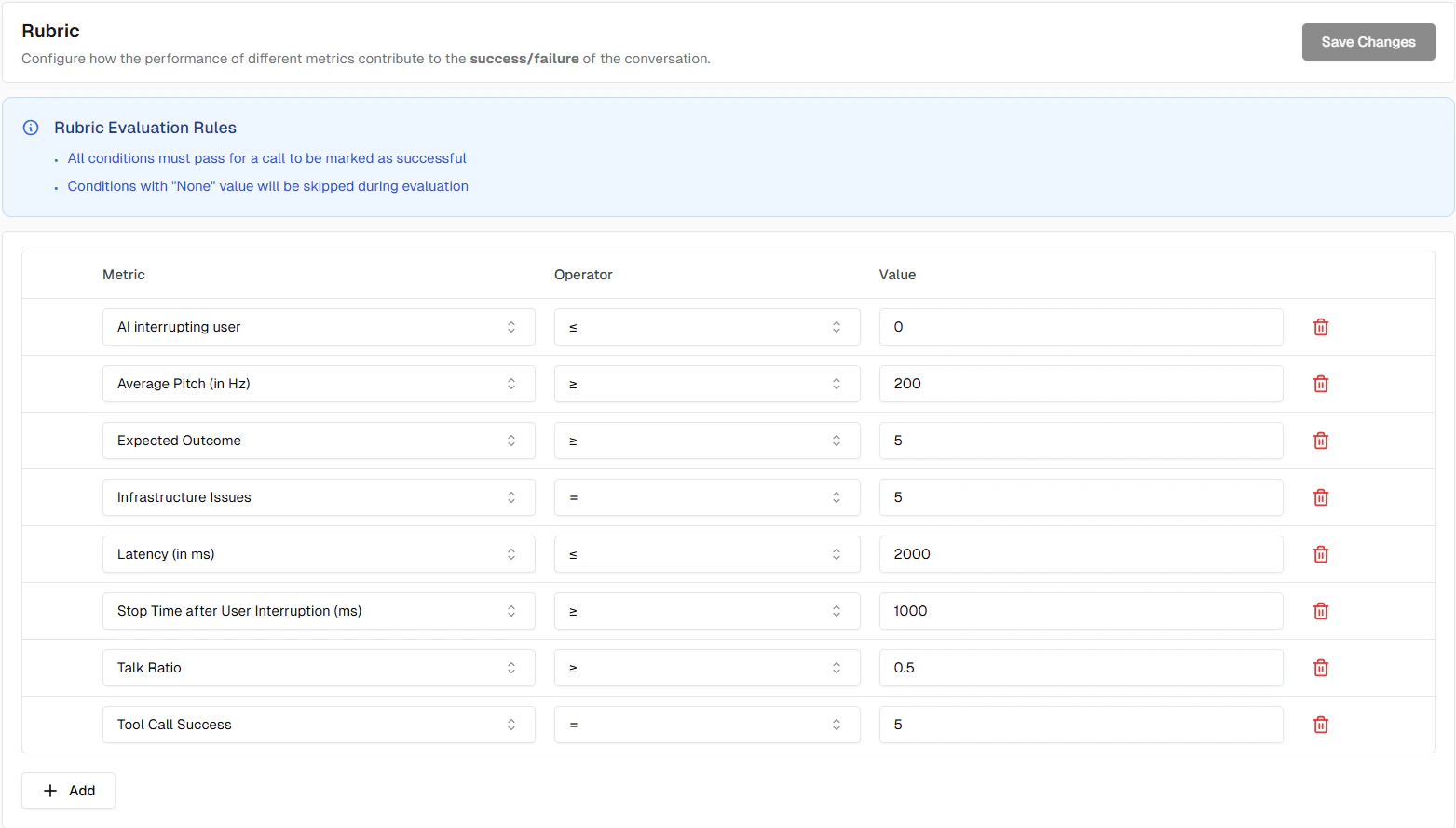
Components
Each rule consists of:- Metric: Select which metric to evaluate
- Operator: The comparison operator (e.g., greater than or equal, less than or equal, equals, in)
- Value: The threshold or expected value
Common Examples
Example 1: All Boolean Metrics Must Pass
For evaluations to succeed, all binary metrics must have a score of 5 (success):- Rule 1: Workflow Adherence score greater than or equal to 5
- Rule 2: Task Completion score greater than or equal to 5
Example 2: Acceptable Latency Threshold
Require low latency in addition to workflow adherence:- Rule 1: Workflow Adherence score greater than or equal to 5
- Rule 2: Latency score less than or equal to 2000
Auto-Added Metrics
Projects
For Projects, all default predefined metrics are automatically added to your rubric with appropriate success conditions. This gives you a ready-to-use rubric configuration from day one.New Boolean Metrics
When you create a new binary metric and enable the Add to rubric rule toggle, it is automatically added to your rubric with a default success condition:- Operator: equals
- Value:
true(pass)
Tips
Metric Skipping
The rubric automatically skips certain metrics:- Metrics with null/empty values
- Metrics marked as irrelevant
Next Steps
Metrics Overview
Learn about different metric types
Test Profile
Configure test identities